
Give Claude Full Access to Your Live Odoo
A native Odoo module that exposes your Odoo instance as an MCP server. Claude can search records, create data, run analytics, and build dashboards — all governed by your existing Odoo user permissions.
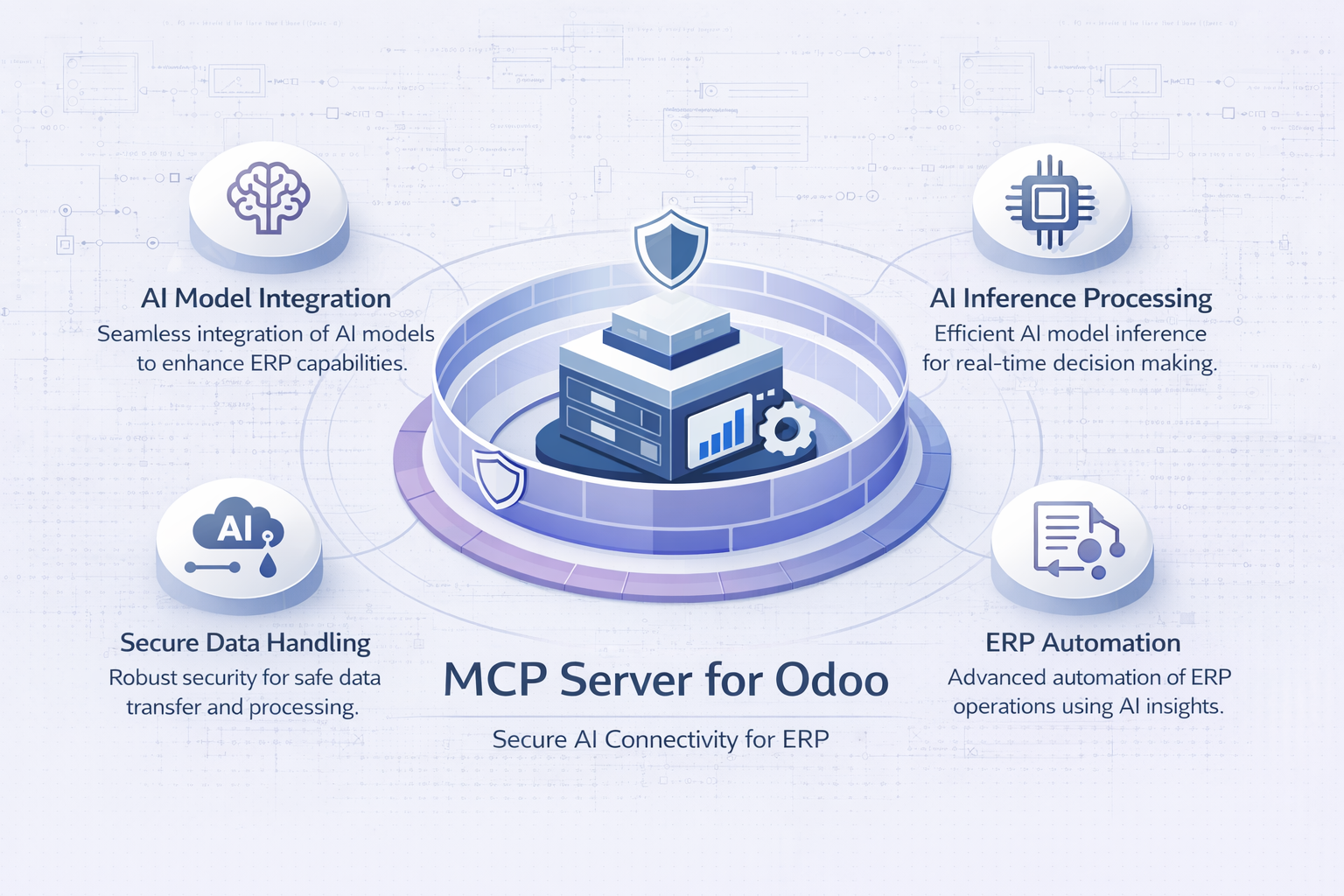
From install to first answer in under 5 minutes
No bridge scripts, no middleware, no API keys in .env files. Claude talks directly to your Odoo over HTTPS using OAuth 2.1.
KSRO Labs is never in the data path. Every request goes directly from Claude to your Odoo.
34 tools across read and write operations
Every tool is governed by your Odoo user's existing roles and record rules. Claude can only do what your account is permitted to do.
Your Odoo permissions enforce every action
The MCP Server delegates all access control to Odoo. Claude can only access what your Odoo user account is allowed to access — nothing more.
Claude authenticates to your Odoo using the OAuth 2.1 authorization code flow. No passwords are shared. No API keys are emailed. The token is stored in your Odoo database, not on any KSRO Labs server.
A single mcp OAuth scope is requested. It grants access to all tools permitted by your Odoo user's roles. There is no separate read-only scope — access is controlled by Odoo's existing permission system.
Every MCP request travels directly from Anthropic's Claude to your Odoo instance. KSRO Labs does not operate a relay, proxy, or logging server in this path.
The only data that reaches KSRO Labs is the one-time license registration on module install: your Odoo database UUID, base URL, and company name. No business records are ever forwarded.
Claude inherits the exact permissions of the Odoo user that authorized the connector. Odoo's access rules, record rules, and field-level security all apply to every MCP request — automatically.
To restrict Claude's access (e.g. read-only for a specific user), create a dedicated Odoo user with the appropriate role before authorizing the connector.
Your Odoo instance must be reachable over HTTPS from the public internet for Claude to connect. Self-signed certificates are not supported. Odoo.com SaaS and Odoo.sh instances are HTTPS by default.
On-premise instances behind a corporate firewall or VPN are not supported unless the /mcp endpoint is publicly accessible.
- All Odoo models your user can read
- All records your user has access to
- Create/update/delete where your user is permitted
- Analytics dashboards you own
- Portal pages created by the module
- Records restricted by Odoo record rules
- Fields hidden by field-level security
- Models your user has no read access to
- Other users' private data (unless your role grants it)
- Odoo server configuration or file system
- Odoo database UUID (for license)
- Odoo base URL (for license)
- Company name (for license display)
- Odoo version (for compatibility tracking)
- Nothing else — ever